Stand-Alone laser shows
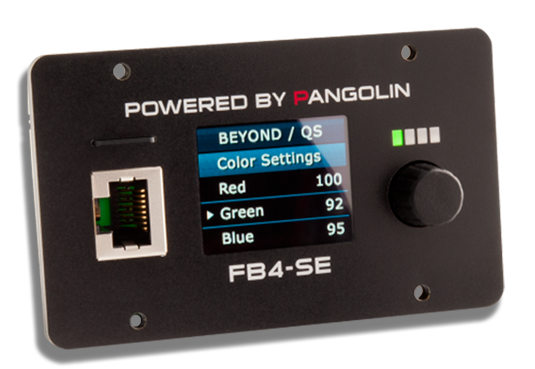
A stand-alone laser show, is one where the show “runs itself”. Stand alone laser shows can consist of laser beam and aerial effects, laser graphics, and laser mapping effects. Stand-alone laser shows are accomplished using a laser projector or laser setup with FB4 hardware. In such shows, the show content is created in software (QuickShow or BEYOND), and then saved to the memory on FB4. Then, using the RTC (real time clock feature) the show content can be set to project at a specified date and time. When running stand-alone laser shows, you can save both complete laser shows, as well as specific laser content, cues and workspaces, to the FB4 memory system. Then, the laser projector and FB4 only need to have power, and they will run your show automatically, without the need to trigger anything. It is truly automated, in that regard.